Sassa Status Whatsapp Number & SRD Grant Applications, Status Checks & Appeals
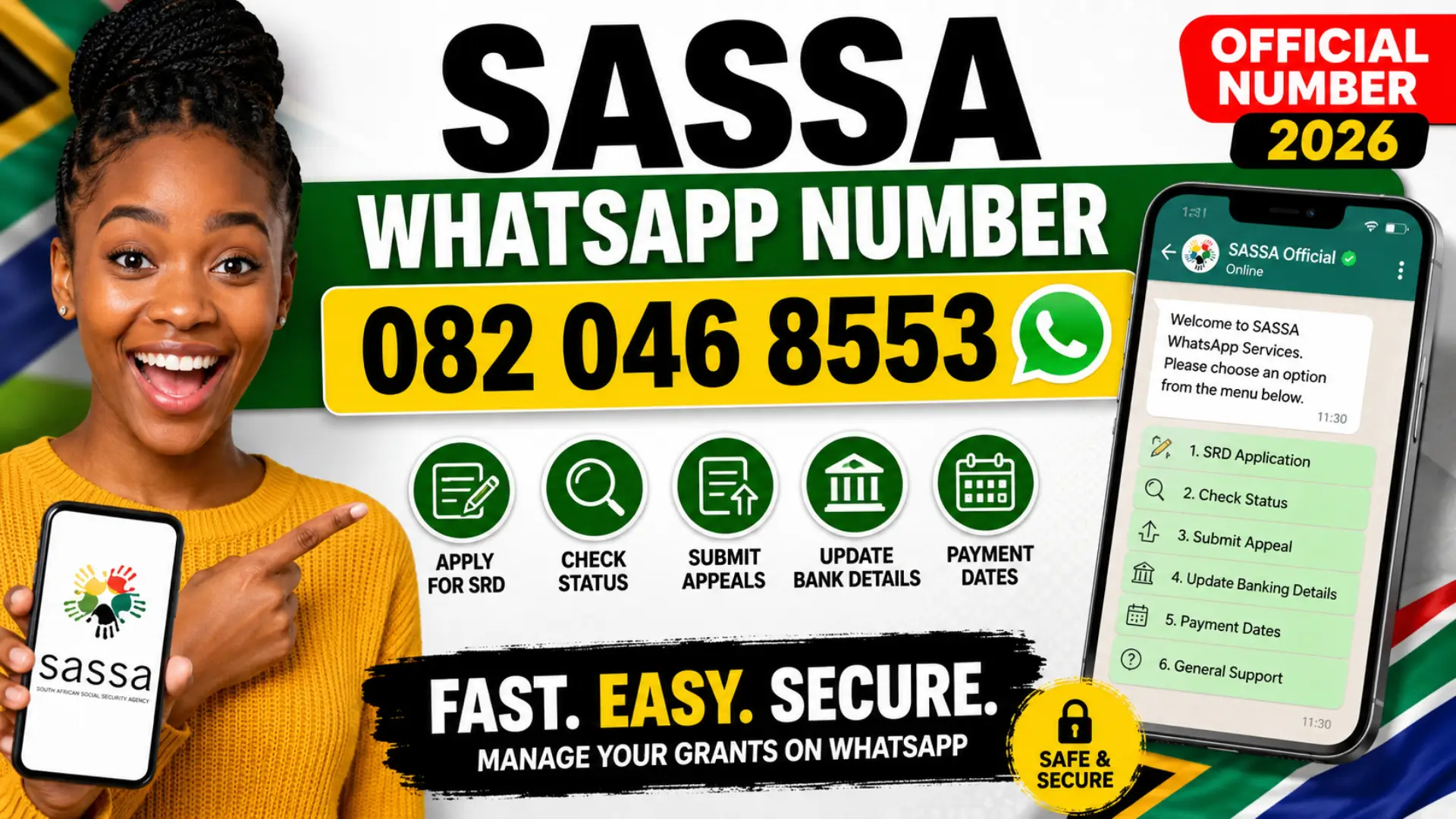
The official SASSA WhatsApp number has become one of the easiest ways for South Africans to manage grants in 2026. Instead of standing in long queues or struggling with busy phone lines, people can now apply for grants, check payment status, update banking details, and submit appeals directly through WhatsApp.
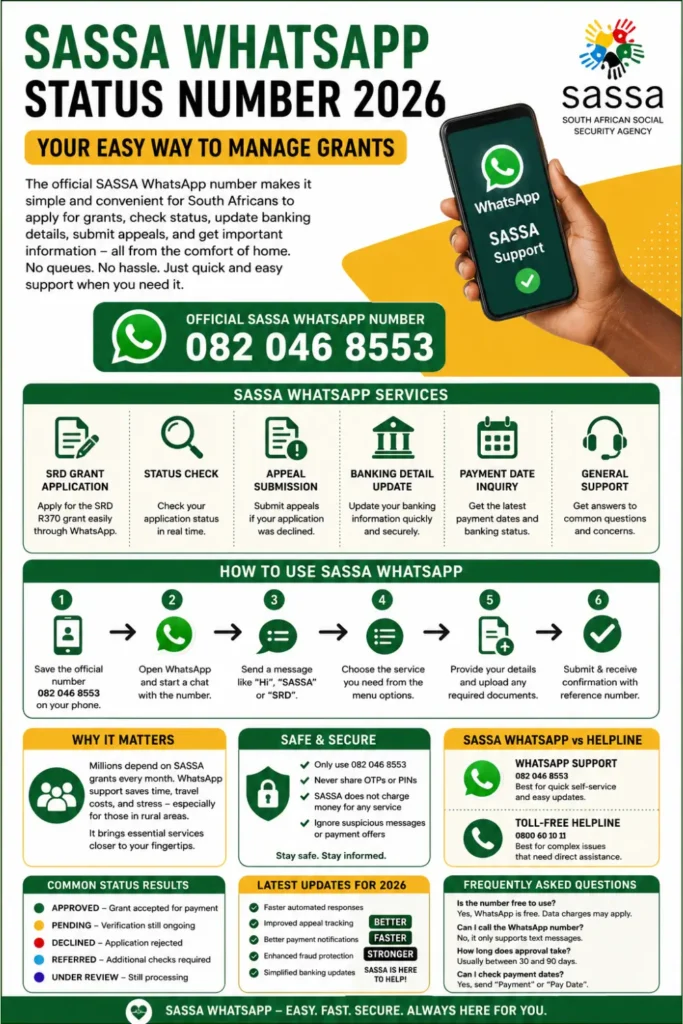
With millions of people depending on SASSA grants every month, digital support has become essential. The official WhatsApp service helps beneficiaries access important services quickly using only a smartphone and internet connection. For many families, this system saves time, travel costs, and unnecessary stress.
What Is the Official SASSA WhatsApp Number?
The official WhatsApp support number for SASSA services is:
- 082 046 8553
This number is used for:
- SRD R370 grant applications
- Status checks
- Appeal submissions
- Banking detail updates
- Payment date information
- General SASSA assistance
Users simply save the number on WhatsApp and send a message to start using the automated support system.
Why the SASSA WhatsApp Service Matters in 2026
SASSA introduced WhatsApp support to improve accessibility for grant beneficiaries across South Africa. Many users live in rural areas where visiting offices can take hours. WhatsApp makes the process faster and more convenient.
Main benefits include:
- No long office queues
- Faster responses compared to calls
- Easy document uploads
- Status updates directly on mobile
- Simple appeal process
- Available anytime from home
The service is especially useful for older persons, unemployed citizens, caregivers, and people who rely on monthly grant payments.
You can also read: June 2026 Diesel Price Forecast
SASSA WhatsApp Services Overview
| Service | Available on WhatsApp |
|---|---|
| SRD Grant Application | Yes |
| Status Check | Yes |
| Appeal Submission | Yes |
| Banking Detail Update | Yes |
| Payment Date Inquiry | Yes |
| General Support | Yes |
| Voice Calls | No |
SASSA only supports text-based communication on WhatsApp. Voice calls are not accepted on this number.
How to Apply for the SRD Grant Using WhatsApp
Applying for the SRD grant through WhatsApp is straightforward if all details are entered correctly.
Step 1: Save the Official Number
Save 0820468553 on your phone under the name “SASSA.”
After saving the contact, open WhatsApp and begin a new chat with the number.
Step 2: Start the Conversation
Send one of the following messages:
- “Hi”
- “SASSA”
- “SRD”
The automated system will immediately reply with menu options.
Step 3: Select the Application Option
Choose the SRD application option from the menu. The system may ask whether you are applying for yourself or another person.
Provide the correct response before continuing.
Step 4: Enter Personal Information
You will be asked for important details such as:
- Full name
- South African ID number
- Phone number
- Residential address
- Employment information
- Banking details
Always double-check your information before submitting because incorrect details can delay approval.
Step 5: Upload Supporting Documents
In some cases, SASSA may request supporting documents.
These may include:
- Copy of ID
- Proof of income
- Bank statement
- Proof of residence
Make sure uploaded photos are clear and readable.
Step 6: Submit the Application
Once everything is complete, submit the application and wait for confirmation.
SASSA usually sends:
- A confirmation message
- A reference number
- Application tracking information
Keep the reference number safe because it helps with future follow-ups.
How to Check SASSA Status on WhatsApp
One of the most popular features is the SRD status check service.
To check your status:
- Open the WhatsApp chat
- Send “Status”
- Enter your ID number
- Provide your registered phone number
The system will then show your current application result.
Possible responses include:
- Approved
- Pending
- Declined
- Referred
- Under Review
If approved, users may also receive payment date information.
You can also read: Sassa Digital Queue System Details
Understanding SASSA Status Results
Different status messages can confuse applicants. Understanding them helps avoid panic.
| Status Result | Meaning |
|---|---|
| Approved | Grant accepted for payment |
| Pending | Verification still ongoing |
| Declined | Application rejected |
| Referred | Additional checks required |
| Under Review | SASSA still processing information |
Most pending applications require patience because verification may take several weeks.
How to Appeal a Declined SRD Application
A declined application does not always mean permanent rejection. SASSA allows appeals if applicants believe the decision was incorrect.
To appeal through WhatsApp:
- Send “Appeal”
- Enter your ID number
- Follow the instructions
- Upload additional evidence if requested
Useful supporting documents may include:
- Updated bank statements
- Employment proof
- Affidavits
- Income clarification documents
Clear and accurate evidence improves the chances of approval.
How to Change Banking Details on SASSA WhatsApp
Many payment delays happen because of incorrect bank information. Thankfully, WhatsApp allows users to update banking details without visiting an office.
The process includes:
- Send “Banking”
- Enter your ID number
- Submit new banking details
- Upload proof of account
Accepted proof usually includes:
- Bank confirmation letter
- Recent bank statement
- Official account document
Ensure the bank account belongs to the applicant because third-party accounts may be rejected.
SASSA Payment Dates Through WhatsApp
Beneficiaries can also use WhatsApp to check payment schedules.
Simply send:
- “Payment”
- “Pay Date”
The system may provide:
- Next payment date
- Payment processing status
- Banking verification updates
Payment dates can vary monthly depending on verification and grant category.
Common Problems Users Face on WhatsApp
Although the system is helpful, some users still experience technical or verification issues.
Common problems include:
- Incorrect ID numbers
- Unregistered phone numbers
- Slow responses
- Failed document uploads
- Banking verification delays
- Expired SIM cards
Most issues can be fixed by carefully reviewing submitted information before retrying.
You can also read: May 2026 SRD Payment Dates
Important Safety Tips for SASSA WhatsApp Users
Scammers often target grant beneficiaries using fake SASSA messages. Staying alert is extremely important.
Follow these safety practices:
- Only use 0820468553
- Never share OTPs or PINs
- Ignore suspicious payment promises
- Do not pay anyone for approval
- Avoid fake Facebook pages
- Verify all links before clicking
SASSA does not charge money for applications or appeals.
Difference Between SASSA WhatsApp and Helpline
Many people confuse the WhatsApp number with the SASSA call centre.
Here is the difference:
| Service | Contact Method |
|---|---|
| WhatsApp Support | 0820468553 |
| Toll-Free Helpline | 0800 60 10 11 |
WhatsApp works best for quick self-service tasks, while the helpline is useful for complex problems requiring direct assistance.
Who Can Use the SASSA WhatsApp Service?
The service is available to most South African grant beneficiaries.
Eligible users include:
- SRD grant applicants
- Child support beneficiaries
- Disability grant recipients
- Older persons grant beneficiaries
- Care dependency grant applicants
Users only need an active phone number and WhatsApp access.
Benefits of Using WhatsApp Instead of Visiting Offices
The WhatsApp system saves time and improves convenience for millions of users.
Biggest advantages include:
- Faster communication
- Reduced transport costs
- No standing in queues
- Easier document submission
- Access from rural areas
- Better record keeping through chat history
For working individuals and families, digital access reduces stress significantly.
Latest SASSA WhatsApp Updates for 2026
SASSA continues improving digital services in 2026 to reduce pressure on physical offices.
Recent improvements include:
- Faster automated responses
- Better appeal tracking
- Improved payment notifications
- Enhanced fraud protection
- Simplified banking updates
These upgrades aim to make the grant system more reliable and user-friendly.
Frequently Asked Questions
Is the SASSA WhatsApp number free to use?
WhatsApp itself may use mobile data, but SASSA does not charge users for assistance.
Can I call the SASSA WhatsApp number?
No. The number only supports WhatsApp text messages.
How long does SRD approval take?
Processing times vary, but many applications take between 30 and 90 days.
What should I do if my application is declined?
Submit an appeal with correct supporting documents and updated information.
Can I check payment dates on WhatsApp?
Yes. Users can request payment information directly through the chat system.
You can also read: Nsfas Payment Dates for May 2026
Final Thoughts
The SASSA Status WhatsApp Number in 2026 has made grant management easier for millions of South Africans. From SRD applications to appeals and payment tracking, the platform offers a faster and more convenient alternative to traditional support methods.
Beneficiaries should always use the official WhatsApp number, provide accurate information, and stay alert against scams. When used correctly, the SASSA WhatsApp system can save time, reduce stress, and improve access to essential financial support across South Africa.
