NSFAS Status Check 2026 Details Sep by Step Via Using WhatsApp & USSD Code
Tracking your NSFAS application status for 2026 is an important step after submitting your funding request. It helps you understand whether your application is approved, still under review, or unsuccessful. Since the process involves multiple verification stages, staying updated ensures you don’t miss any required actions.
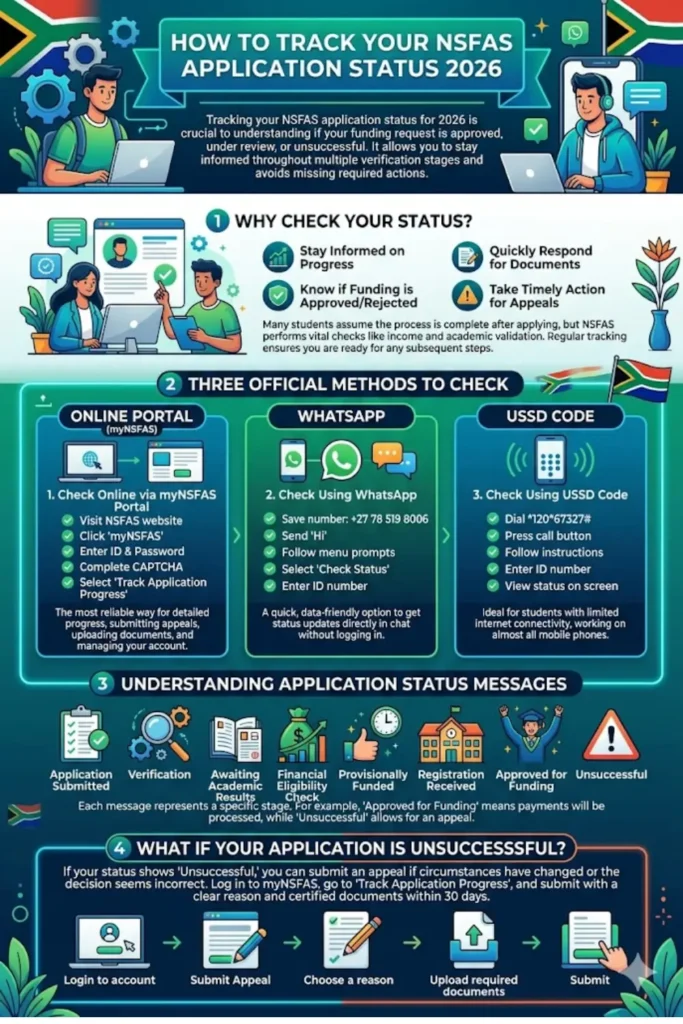
This guide explains all the simple and official ways to check your NSFAS status, along with clear meanings of each status update and what steps to take next.
Why Checking Your NSFAS Status Matters
After applying, many students assume the process is complete. However, NSFAS performs several checks before final approval, including income verification and academic validation. That means your application goes through multiple stages before funding is confirmed.
Regularly checking your status helps you:
- Stay informed about your application progress
- Quickly respond if additional documents are required
- Know if your funding has been approved or rejected
- Take timely action in case of an appeal
Without tracking your status, you may miss important updates that could affect your funding.
You can also read: South African Social Security Agency Status
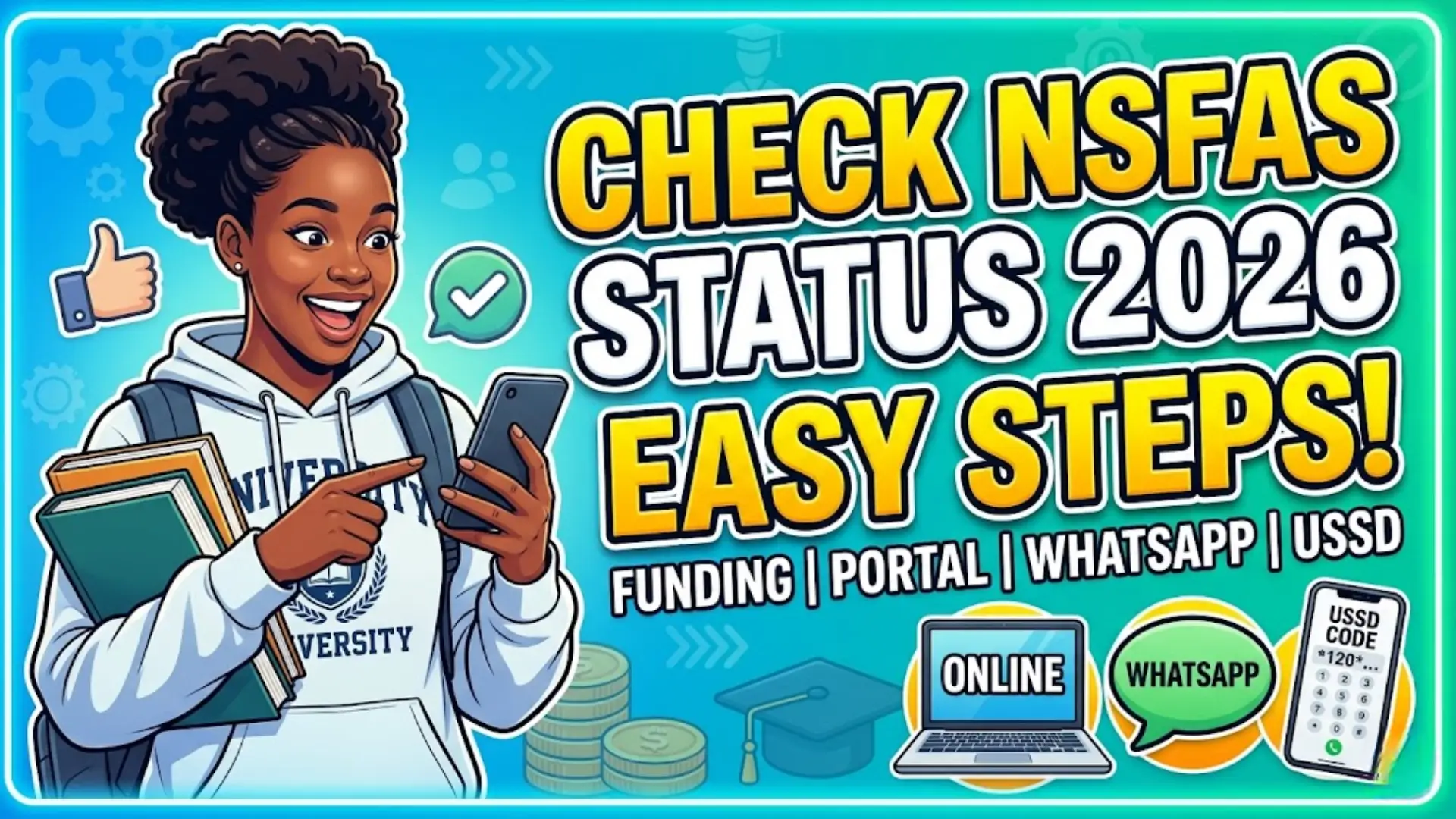
Easy Ways to Check NSFAS Status for 2026
There are three official methods to track your application. Each method is simple, but the online portal provides the most detailed information.
1. Check Status Online via myNSFAS Portal
The online portal is the most reliable way to track your application in detail. It gives a complete view of your funding progress and any required actions.
To check your status online:
- Visit the official NSFAS website
- Click on the “myNSFAS” option
- Enter your ID number and password
- Complete the CAPTCHA verification
- Click “Sign In”
- Select “Track Application Progress”
Once logged in, your current application status will appear on your dashboard.
This method is best because it allows you to also submit appeals, upload documents, and manage your account in one place.
Check NSFAS Status Using WhatsApp
WhatsApp is a quick and data-friendly option, especially useful for students who prefer mobile access.
Steps to follow:
- Save the NSFAS WhatsApp number: +27 78 519 8006
- Open WhatsApp and send “Hi”
- Follow the automated menu prompts
- Select the “Check Status” option
- Enter your ID number
Within seconds, you will receive your application status directly in the chat.This method is ideal if you want a fast update without logging into the portal.
Check Status Using USSD Code
The USSD option works on all mobile phones, even without internet access. It is especially helpful for students in areas with limited connectivity.
Follow these steps:
- Dial 12067327# on your phone
- Press the call button
- Follow the on-screen instructions
- Enter your ID number
Your status will be displayed on your phone screen. This method is simple and accessible, making it a reliable backup option.
You can also read: University of Cape Town South Africa Scholarships
Understanding NSFAS Application Status Messages
When you check your status, you may see different messages. Each one represents a specific stage in the process.
Below is a clear explanation:
| Status Message | Meaning |
|---|---|
| Application Submitted | Your application has been received successfully |
| Verification | Your personal and financial details are being checked |
| Awaiting Academic Results | NSFAS is waiting for your school or university results |
| Financial Eligibility Check | Your household income is being assessed |
| Provisionally Funded | You qualify for funding pending registration confirmation |
| Registration Received | Your institution has confirmed your enrollment |
| Approved for Funding | Your funding is fully approved and payments will be processed |
| Unsuccessful | Your application has been rejected with a reason provided |
Understanding these messages helps you know exactly where your application stands.
What to Do If Your Application Is Unsuccessful
If your status shows “Unsuccessful,” you still have an opportunity to fix the situation. NSFAS allows students to submit an appeal if they believe the decision was incorrect or their circumstances have changed.
Important things to remember:
- You must appeal within 30 days of rejection
- Provide valid supporting documents
- Clearly explain your reason for appeal
Steps to submit an appeal:
- Log in to your myNSFAS account
- Go to “Track Application Progress”
- Click “Submit Appeal”
- Choose a reason for your appeal
- Upload required documents
- Submit your appeal
Make sure your documents are clear and certified to improve your chances.
How to Create a myNSFAS Account
If you don’t have an account, you won’t be able to track your application online. Creating an account is simple and only takes a few minutes.
Steps include:
- Visit the NSFAS website
- Click on “myNSFAS”
- Select “Register”
- Enter your personal details
- Create a strong password
- Verify using OTP
Once registered, you can log in anytime to check your status.
You can also read: FSCA Wealth Management Learnership Programme
How to Reset Your NSFAS Password
Forgetting your password can prevent you from accessing your account, but resetting it is easy.
Follow these steps:
- Go to the login page
- Click “Forgot Password”
- Enter your ID number
- Follow the instructions sent to your phone or email
- Create a new password
Always use a secure password to protect your account.
Key Tips for Tracking Your NSFAS Status
To make the process smoother, keep these tips in mind:
- Check your status regularly
- Ensure your contact details are correct
- Respond quickly to document requests
- Keep copies of all submitted documents
- Use the online portal for detailed updates
Consistency in tracking helps avoid delays in funding.
Conclusion
Checking your NSFAS status for 2026 is an essential step in securing your education funding. Whether you use the online portal, WhatsApp, or USSD code, each method provides a simple way to stay updated.
You can also read: SASSA SRD Phone Number Common 2026
By understanding your application status and taking timely action when needed, you can ensure a smoother funding process. Stay proactive, check your status regularly, and be ready to respond if any issues arise.